Direct answer
The best image to video results usually start with a clean portrait, visible styling detail, and a clear transformation goal before the app takes over.

 Dola
Dolaimage to video tips
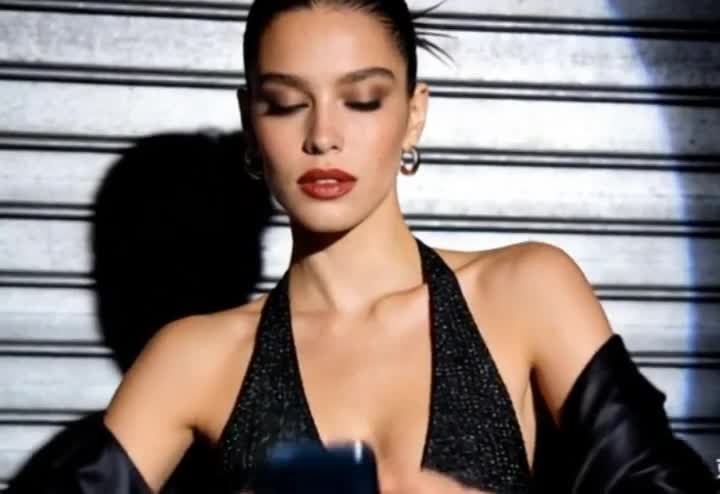
Image to video results depend heavily on the source photo. The strongest inputs have clear faces, readable styling cues, and one obvious visual direction.
Direct answer
The best image to video results usually start with a clean portrait, visible styling detail, and a clear transformation goal before the app takes over.
Key facts
Focus
Photo quality, composition, and template fitBest for
Portrait motion, beauty clips, makeover reelsWeb role
Education and expectation settingApp role
Final image-to-video generation and exportWhat to know
What is this guide
A short guide that explains what kinds of images work best for Dola's image-to-video flows.
Who it is for
Users uploading portraits, beauty shots, or still images and wanting stronger final motion.
What happens on web
The guide explains inputs and helps users self-qualify before opening the app.
What happens in the app
Dola performs the final creation workflow, export, and access to richer template options.
Privacy and safety boundary
The guide encourages safer portrait and glamour framing instead of explicit or risky source material.
Example uses
Use front-facing portraits with clear facial detail
Pick images with strong hair, styling, or lighting cues
Match the photo to the template instead of forcing a bad fit
Continue in app
Open the app when you have the right image, the right template, and a clear visual direction.
Related pages
Guide FAQ
Yes, as long as the subject is clear, the face is readable, and the visual direction matches the intended template.
Usually no. Single-subject images are easier to control and usually produce more coherent motion.