Direct answer
Good AI video prompts describe the subject, visual mood, lighting, and camera feeling in one concise sentence so the final app workflow starts with a clear direction.

 Dola
Dolaai video prompts
This guide explains how to write AI video prompts that are clear enough for search users, useful enough for AI answers, and strong enough to hand off into Dola.
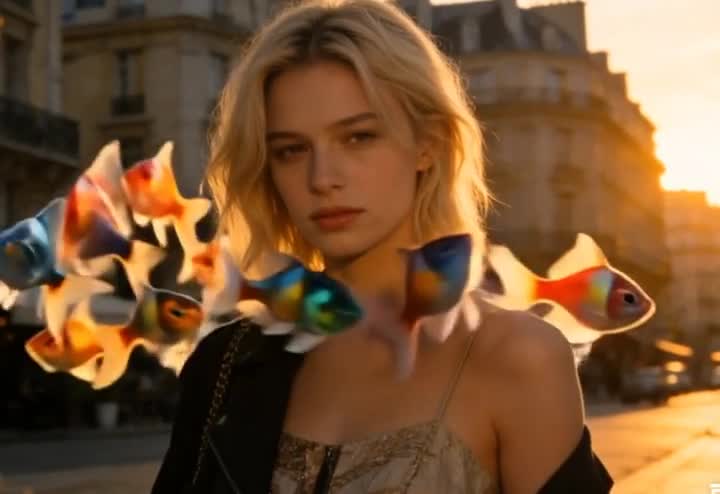
Direct answer
Good AI video prompts describe the subject, visual mood, lighting, and camera feeling in one concise sentence so the final app workflow starts with a clear direction.
Key facts
Focus
Prompt writing for high-intent video creationWorks best for
Portraits, beauty edits, transformations, fantasy scenesWeb role
Education and intent shapingApp role
Final creation and exportWhat to know
What is this guide
A concise framework for writing prompts that are clear, visual, and useful for app-first AI video workflows.
Who it is for
Users who know the vibe they want but need a tighter wording structure.
What happens on web
The guide teaches the prompt structure and clarifies expectations before the user opens Dola.
What happens in the app
Dola uses the final prompt direction inside the generation workflow and export flow.
Privacy and safety boundary
The examples stay in portrait, beauty, and cinematic territory instead of explicit prompt language.
Example uses
A cinematic portrait of a woman in soft glam lighting with a slow push-in camera move
A beauty transformation reel with glossy skin tones and premium editorial pacing
A dream character intro with fantasy color and dramatic portrait framing
Continue in app
Use Dola to move from prompt structure into final app-based creation and export.
Related pages
Guide FAQ
A better prompt names the subject, look, lighting, and camera feeling instead of relying on one abstract word.
Usually no. Short, specific prompts are easier to control and easier for answer engines to summarize.